Talking cat
Talking Cat App: your cat finally says what it thinks
Add a photo of your cat, type the line, pick a voice. A few minutes later your cat says it to the camera, mouth moving on every word, still unimpressed.
Free preview: up to 15 words, watermarked
3 · Voice
Free preview, watermarked. Keep it without the watermark for $2.99.
Make your cat talk in 3 steps
 01
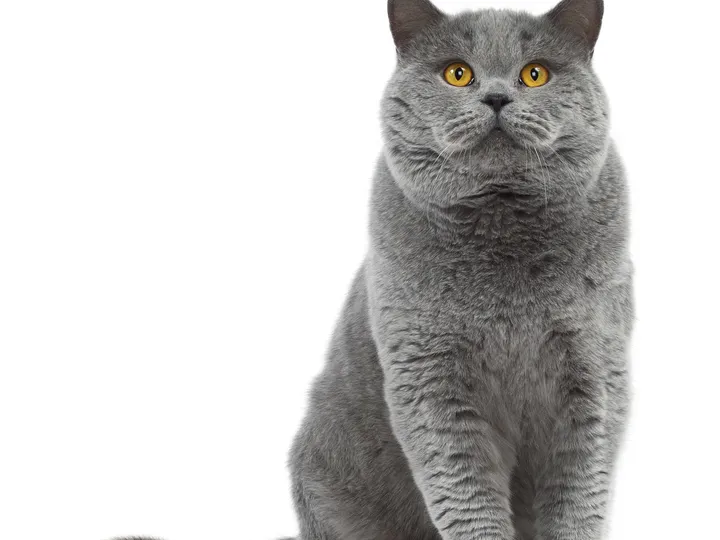
01Add your cat's photo
One clear photo, face toward the camera, eyes open. The room in the photo stays as it is.
 02
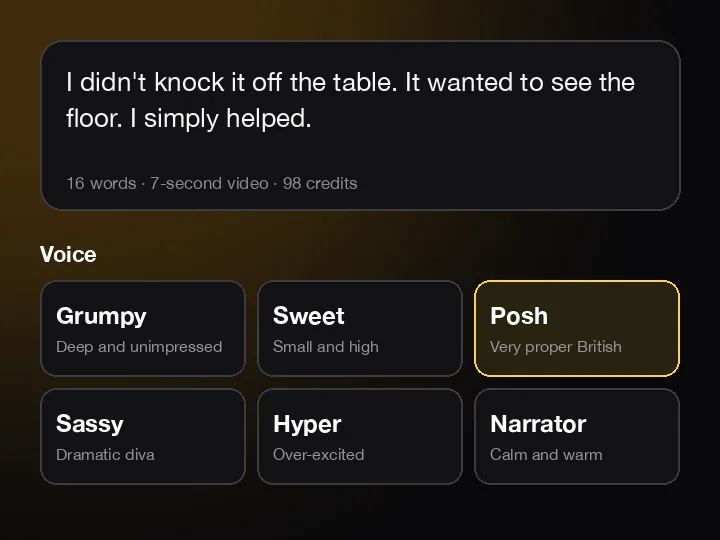
02Type a line, pick a voice
Up to about 40 words. Grumpy, sweet, posh, sassy, hyper or narrator.
 03
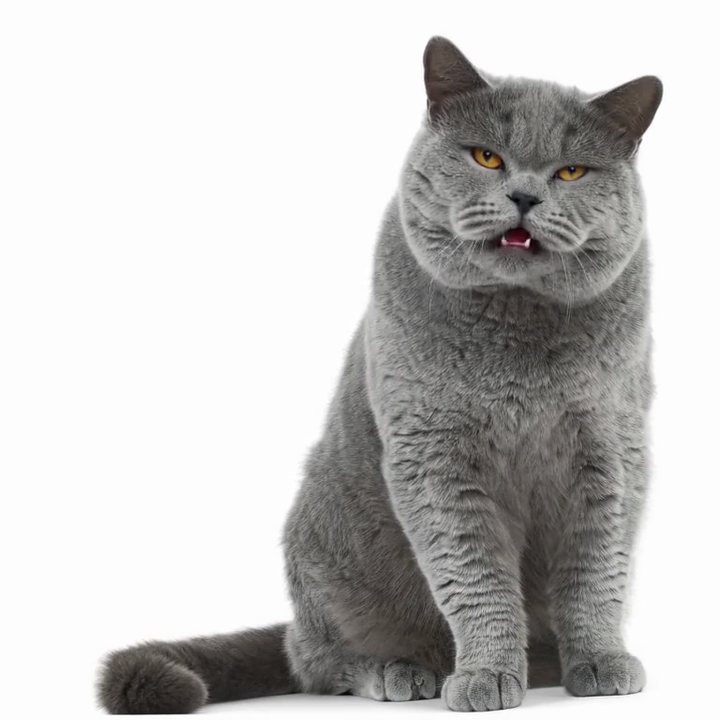
03Hear your cat say it
A few minutes later your cat says it out loud, mouth in time with every word, blinks and all. Saved in My videos.
Three cats, three moods
Each one started as one photo and one typed line. Same tool and same price you get, and each says its line word for word.
- I didn't knock it off the table. It wanted to see the floor. I simply helped.The shorthair · British ShorthairPosh voice
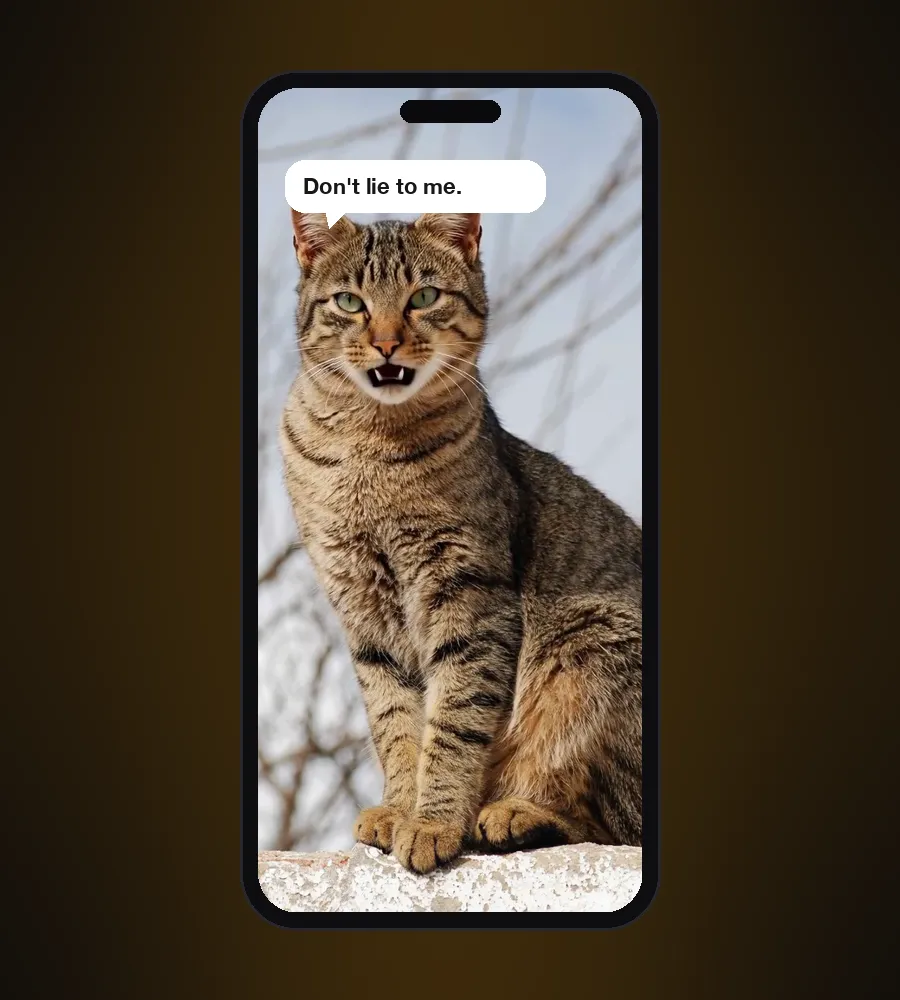
- You opened a can. I heard it from three rooms away. Don't lie to me.The tabby · TabbyGrumpy voice
- Excuse you. I was asleep in that sunbeam. Now it's gone, and so is my patience.The Persian · PersianSassy voice
Three kinds of talking cat app
Search for a talking cat app and you get three different things. Here is which is which.
Talking cat games
A cartoon cat repeats what you say in a squeaky voice, or you feed and dress a virtual kitten. Fun, but it isn't your cat.
Photo to talking video
You add a photo of your own cat and type a line. The photo becomes a video of your cat saying it. AIPet is this kind, and it runs in your browser.
Cat translators
They play meows back at your cat, or claim to turn its meows into words. They're for fun: no app knows what a meow means.
Cats talk with their tails, ears and slow blinks. A talking cat video is your joke, told with their face.
Pick a voice that fits your cat
Six voice styles. The same photo sounds like a completely different cat in each one.
Grumpy
Deep and unimpressed
Old cats and anyone woken from a nap
Sweet
Small and high
Kittens and tiny, wide-eyed cats
Posh
Very proper British
British Shorthairs, Persians, cats who own the house
Sassy
Dramatic diva
The diva who rules the sofa
Hyper
Over-excited
Kittens with the 3 a.m. zoomies
Narrator
Calm and warm
Window-watching, nature-documentary moments
Things to make your cat say
The wake-up call
“I let you sleep until 5. I'm generous like that.”
Things off tables
“Gravity check complete. The glass passed. Mostly.”
Birthday wishes
“Happy birthday. I left you a present. It's in your shoe.”
Apologies
“The curtain started it. I just finished it.”
The new dog
“I've met the new dog. I'll be in the closet until further notice.”
Just because
“You're my favorite human. Don't make it weird.”
Which cat photos work best
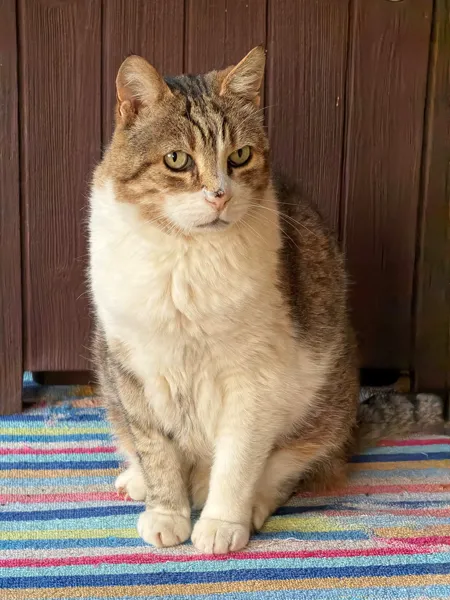
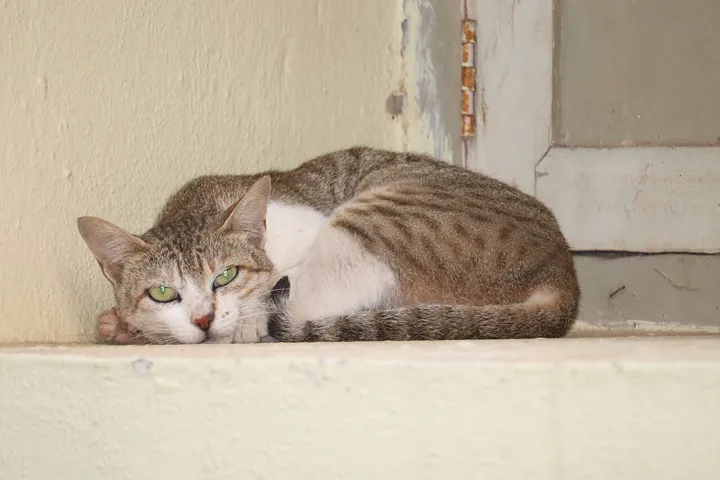
Use a sharp photo, ideally 1,000 pixels or more on the short side. Long fur is fine, as long as the face isn't hidden.
A talking cat app with nothing to download
Most talking cat apps live in the app store. This one runs in your phone's browser: open the page, add the photo, type the line. Your cat comes alive, not just its mouth: blinks, ear flicks, a tilt of the head, and a voice to match.
- Works in Safari and Chrome on iPhone, Android and computers
- MP4 download, shaped like your photo, ready for TikTok, Reels and Shorts
- Every video is saved in My videos
- Your photo stays private and is deleted once your video is ready
What it costs
- 14 credits per second of video, worked out from your line. The shorthair's 7-second line is 98 credits.
- Pro comes with 1,000 credits a month (seven 10-second videos), Pro Max with 2,500. Credit packs start at 250 credits.
- New accounts can make one free preview here: a line of up to 15 words, with our watermark. Keep that video without the watermark for $2.99, or make longer ones with credits.
- If a video fails, the credits go straight back.
14
credits per second of video
Talking cat app FAQ
What app makes your cat talk?+
A photo-to-video app like this one. Add a photo of your cat, type the line, pick a voice, and your cat says it with its mouth in sync, right in your browser.
Does a cat talking app actually work?+
This kind does: your cat's photo comes to life and says your line, word for word. Meow translators are for fun only. No app knows what a meow means.
Is the talking cat app free?+
Your first talking video is free: a line of up to 15 words, with a watermark. Keeping it without the watermark is $2.99. After that it's 14 credits per second, on any plan or credit pack.
Will it still look like my cat?+
Yes. The video starts from your photo, so the face, fur, markings and the room stay. A sharp photo keeps the fur truest.
Do I need to download an app?+
No. Open the page in Safari or Chrome on your phone or computer and start.
How long can my cat talk?+
Up to about 40 words, a video of up to 15 seconds. Short and dry lands best: the tabby's 15 words take 6 seconds.
Can I use my own voice?+
Not yet. Pick one of six voice styles instead: posh suits a shorthair, grumpy suits an old tabby, sassy suits a Persian.
Does it work with dogs too?+
Yes, and dogs have their own page with dog examples. Talking dog app
How long does it take?+
Usually a few minutes. Close the page and feed the cat; the video waits in My videos.
Is it real?+
No. Every frame and your cat's voice are made by AI from one photo. Label it as AI-generated when you post it.
Your cat has been judging you in silence. Not anymore.
Make my cat talkWant moves instead of words? Try AI cat dance or AI cat video.
Updated: