AI dog dancing GIF
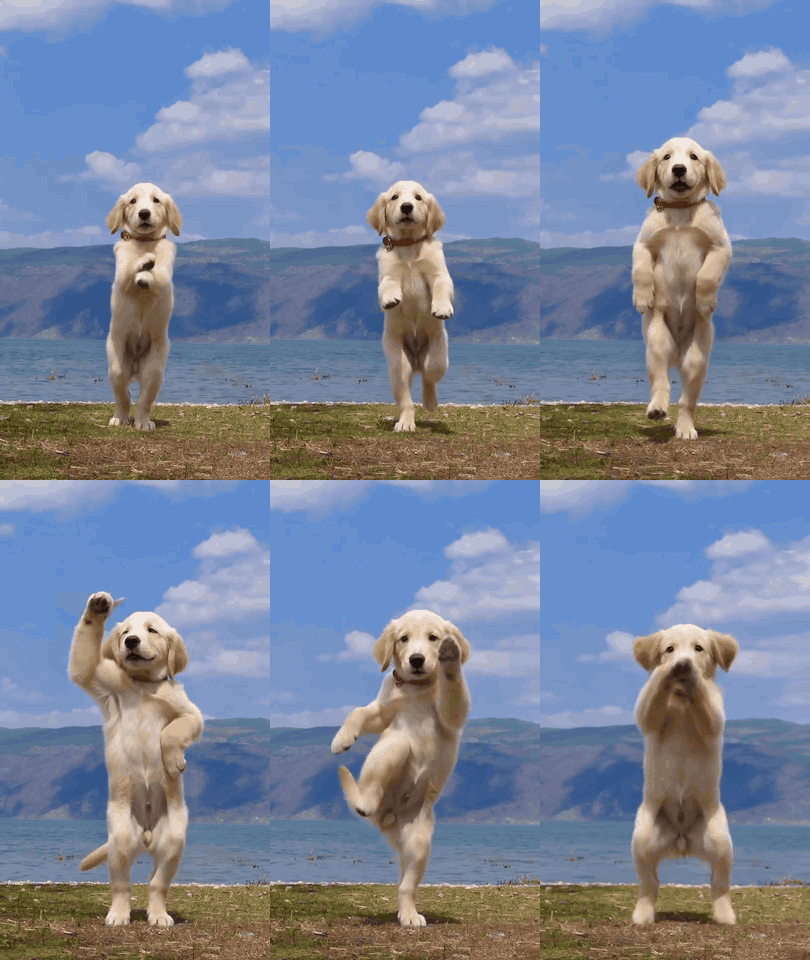
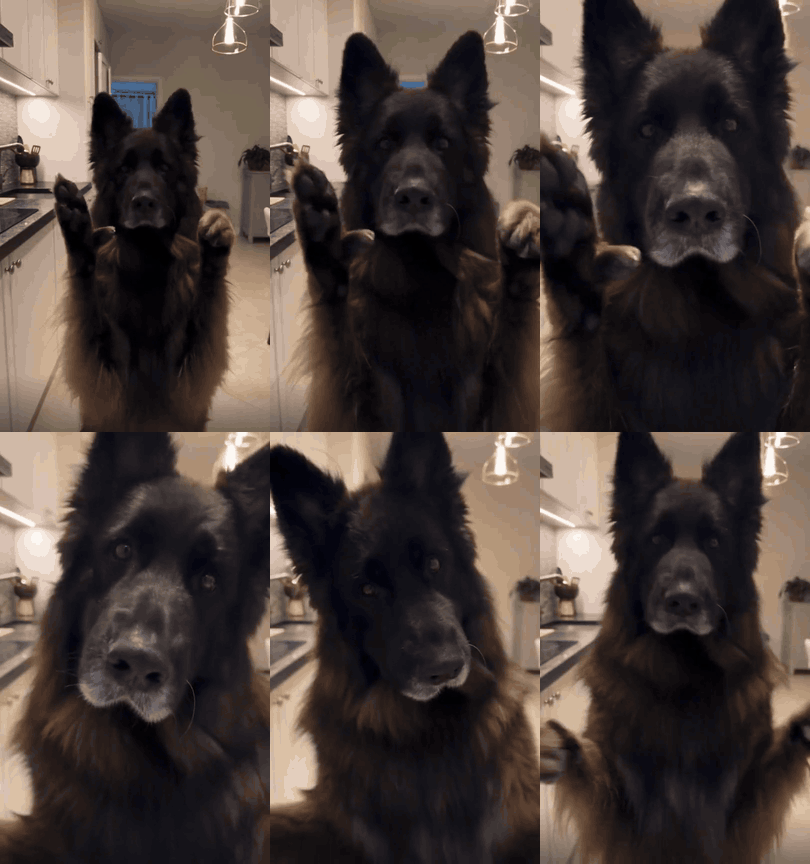
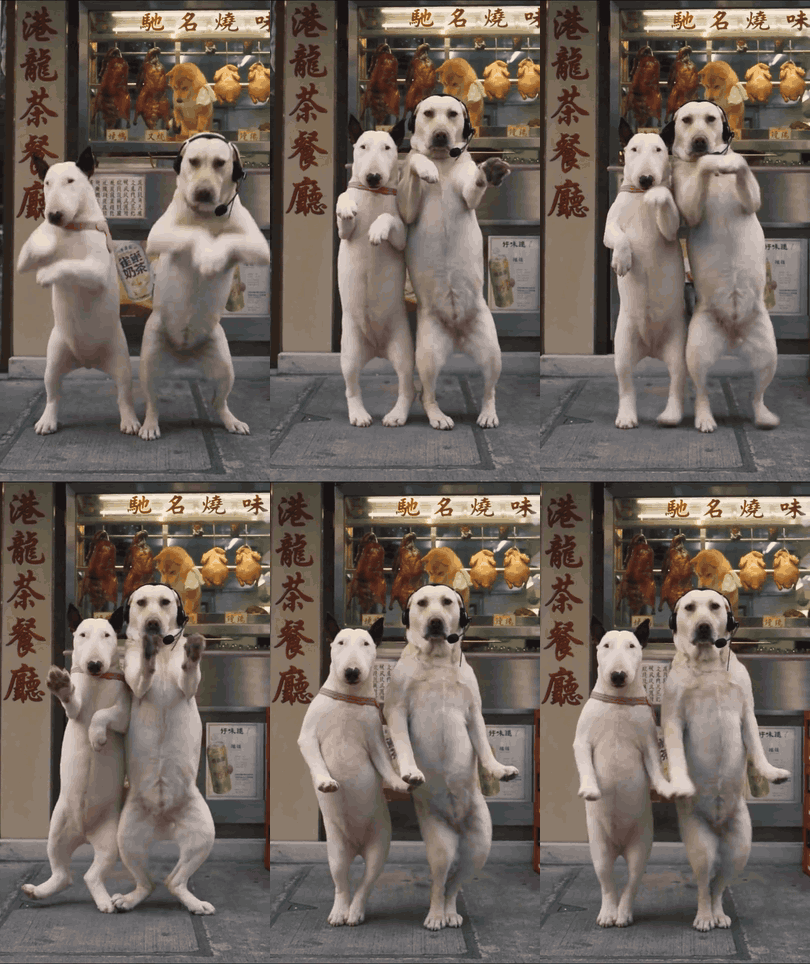
AI Dog Dancing GIF: send one of ours or make one of your dog
Save any of these for free and drop them into a chat. Or add a photo of your dog and a dance clip below, and your own dog becomes the dancing GIF.
Make a dancing GIF of your own dog
- 1
Add your dog's photo
One clear photo, facing the camera, whole body if you can. Your dog's coat and markings carry into every frame.
- 2
Add a dance clip
Any clip from 4 to 15 seconds with one dancer in full view. A trend from your feed works, as long as you may use it.
- 3
Get the GIF and the video
In 3–6 minutes you get the first 6 seconds of your dance, 320 pixels on the short side, 10 frames a second, usually 2–5 MB, plus the whole dance as a video with the song.
We'll check the length after upload · 10 credits per second
How to save and send a dancing dog GIF
- iPhone
- Press and hold the GIF, then tap Save to Photos or Copy. Paste it into Messages and your dog dances on a loop.
- Android
- Press and hold the GIF and tap Download image, or use Send GIF to pick an app straight away.
- Computer
- Click Download GIF, then drag the file into Discord, Slack, an email or a slide.
GIF or video: which one to send
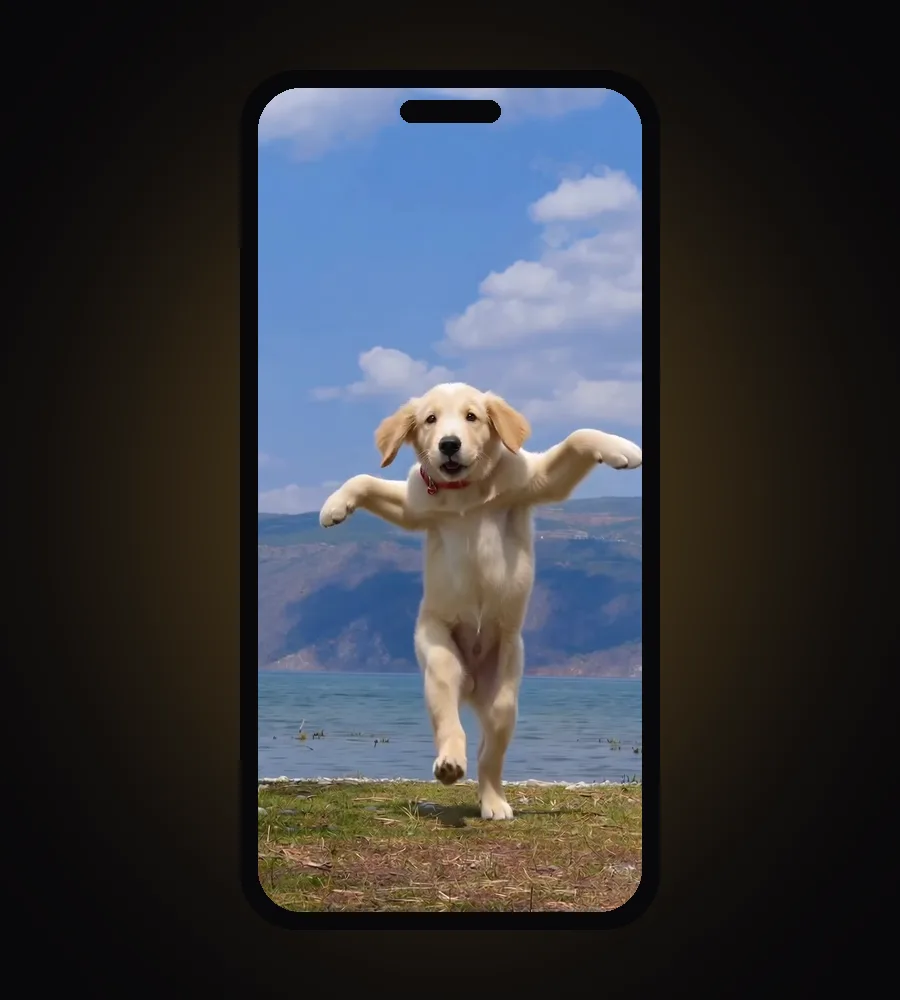
Every dance you make comes back as both, so you can pick per chat.
| GIF | Video | |
|---|---|---|
| Sound | None | The song from your dance clip |
| Length | First 6 seconds | The whole dance, up to 15 seconds |
| Plays | On a loop, by itself, in the chat | When tapped, in the app's player |
| Best for | iMessage, Discord, Slack, comments, slides | TikTok, Reels, Shorts, a story |
How we made these GIFs
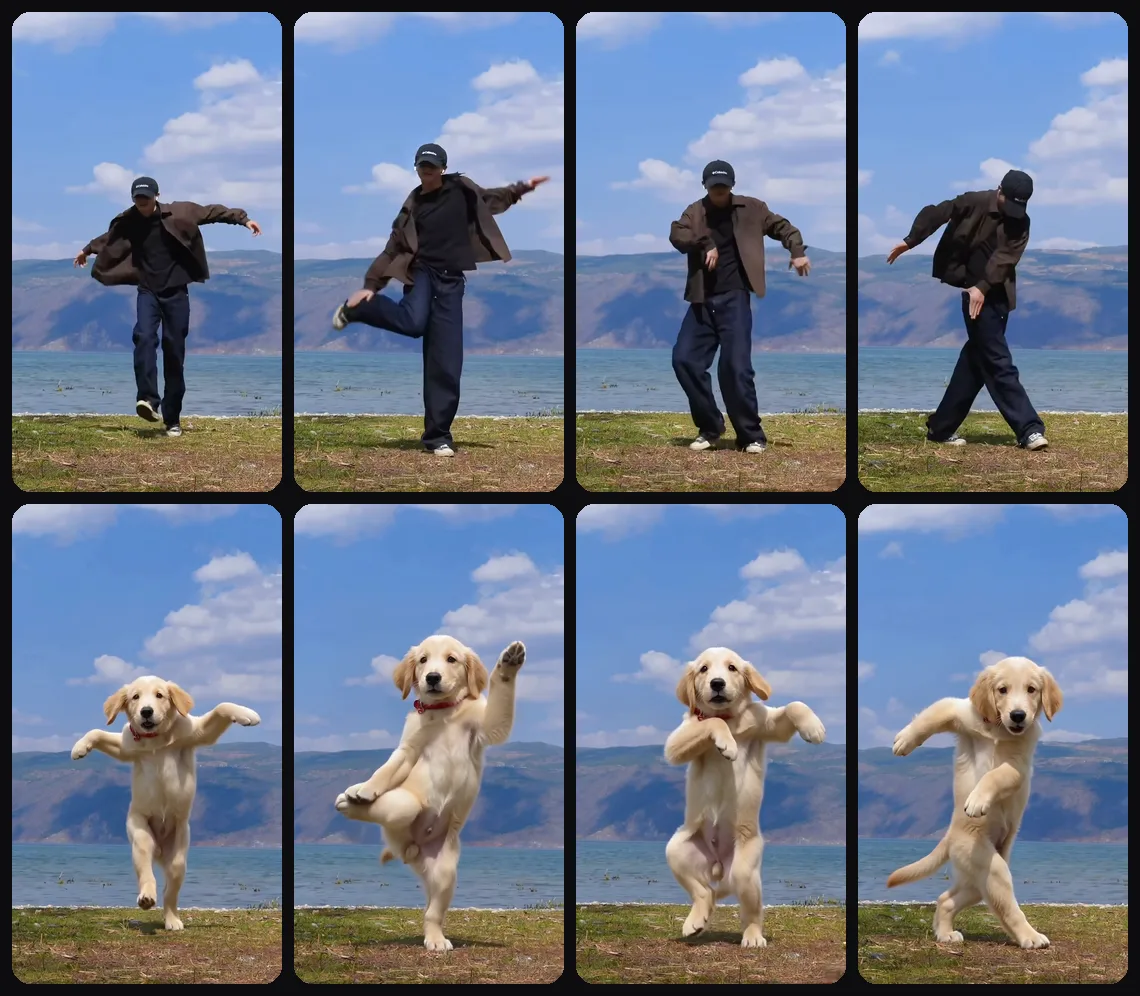
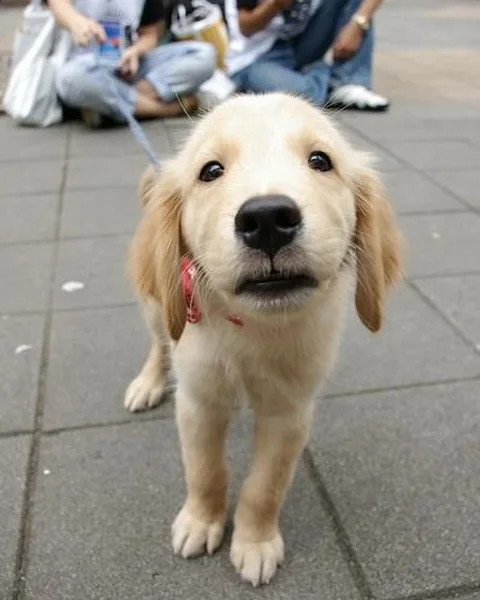
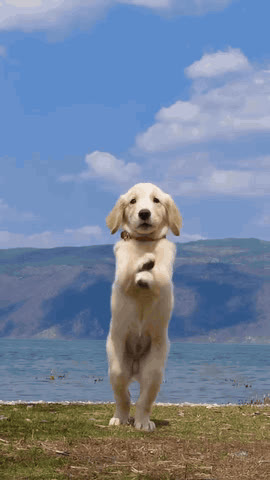
The golden retriever GIF came out of the same maker you see on this page: one photo of a puppy and a 9.5-second dance filmed by a lake. Seedance 2.0 redrew the dancer as the puppy and kept the lake, the sky and every move.
We chose Seedance after putting the same puppy and dance through four AI video models. Two of them lost the dog or stopped after 3 seconds. The side-by-side results are on our AI dog dance page.
The German Shepherd and the street duo come from two of our TikTok trend templates. Open either one and your own dogs take their places.
Each GIF on this page is 4 seconds at 10 frames a second, with a 96-colour palette built from the clip itself. At 64 colours the sky behind the puppy broke into stripes, so we stopped there.
What makes a dancing GIF loop well
- Pick the part of the dance with the most movement: a GIF keeps only the first few seconds.
- Clips where the dancer ends in about the same pose they started in loop without a jump.
- One dancer, head to toe in frame, camera held still.
- Bright, even light. A GIF holds at most 256 colours, so dark clips turn muddy first.
For the photo: your dog standing or sitting, facing the camera, whole body in view, daylight.
What it costs
- Every GIF on this page is free to save and send. No account needed.
- Your own: a new account can try it free. You get the first 5 seconds of your dog's dance, watermarked, as a GIF and a video.
- After that, 10 credits per second of dance. A 10-second dance is 100 credits, and the GIF copy costs nothing extra.
- If a dance fails, the credits go straight back.
$0
for every GIF on this page
AI dog dancing GIF FAQ
Are these dancing dog GIFs free?+
Yes. Save or send any GIF on this page without an account. Use them in chats, comments and your own posts.
How do I make a GIF of my own dog dancing?+
Add a clear photo of your dog and a dance clip of 4–15 seconds to the maker on this page. When it's ready you get the dance as a GIF and as a video with the song.
Why doesn't the GIF have sound?+
GIF files can't carry sound. Tap Video with sound when you want the song, for TikTok, Reels or Shorts.
How long and how big is my GIF?+
It's the first 6 seconds of your dance, 320 pixels on the short side, 10 frames a second, usually 2–5 MB. That fits in iMessage, Slack and under Discord's 10 MB limit for free accounts.
Will my GIF have a watermark?+
Only on the free try. Dances made with credits have no watermark, and neither does their GIF.
Do I need an app?+
No. Everything runs in the browser on your phone or computer.
Can I make a dancing cat GIF?+
Yes. The AI cat dance GIF page uses the same maker, with cat GIFs to send. AI cat dance GIF
Is it real footage?+
No. Every frame is drawn by AI from a photo and a dance clip. Label it as AI-generated when you post it.