TikTok trend template
Kitchen Paw Dance: your pet takes the spotlight
A big dog, a small kitchen and a dance aimed right at the camera. Add a photo of your pet, keep the kitchen or pick a new scene, and your pet does every move.
1 · Your pet takes the German Shepherd's place
German Shepherd
2 · Scene
Same place as the original clip. Pick a scene, or add a photo of any place, and the dance moves there.
30-second video · 170 credits · paid plans
How it works
- 01
Pick a trend
Start from a clip that already took off on TikTok.
- 02
Add your pets
One photo per pet. Keep the original scene, pick a new one, or upload your own place.
- 03
Post it
You get the full video with the original sound, ready for TikTok and Reels.
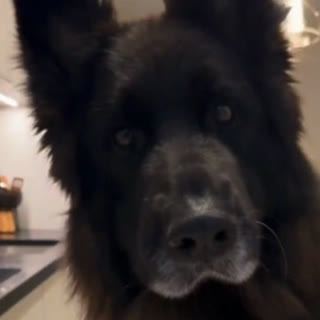
Your pet's part
Keep the place, or move the dance
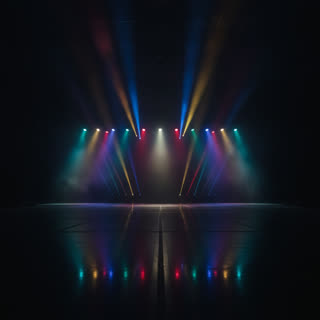
Keep the original scene, pick one of six ready-made places, or upload a photo of your own room, garden or anywhere with some floor in view. The camera moves stay the same.
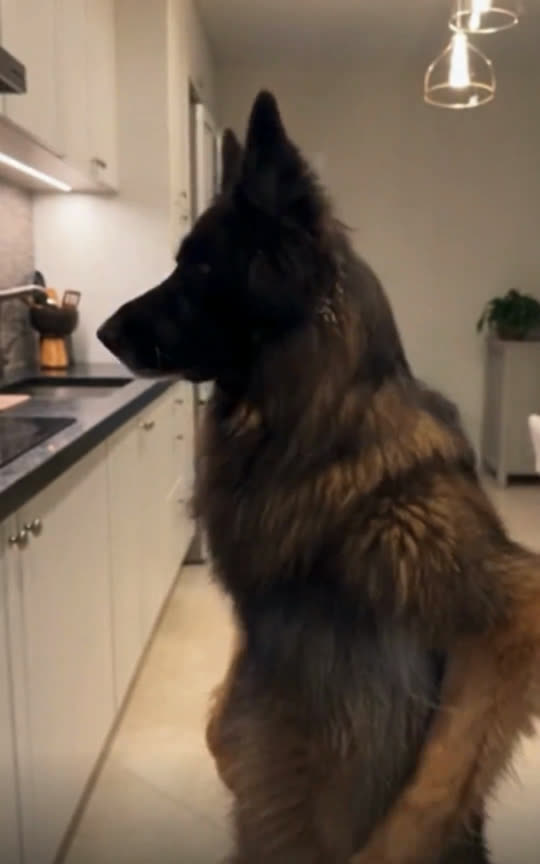
Original
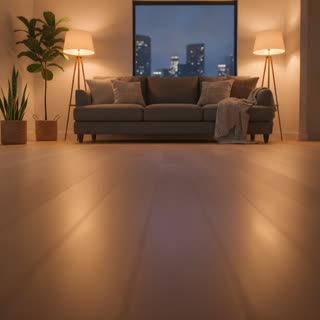
Living room

Beach sunset

Neon street
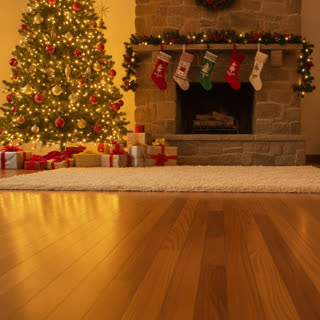
Christmas
Stage

Garden
Questions
- Does it work with dogs, cats and other pets?
- Yes. Dogs, cats, rabbits and more can take the part. They do the same moves as the original, standing up when the original does.
- Can I change the scene?
- Yes. Keep the original place, pick one of six ready-made scenes, or upload a photo of any place you like. The camera moves stay the same.
- Is the original song in my video?
- Yes. The original sound of the trend stays in the video you download.
- How long does it take?
- Usually 2 to 5 minutes for the 30-second video. You can leave the page; the video is saved in My videos.
- How much does it cost?
- 170 credits for the 30-second video, on paid plans. If a video can't be made, the credits come back to you.
- What happens to my photos?
- They are used only to make your video and are deleted once it is finished. Your video stays private until you share it.