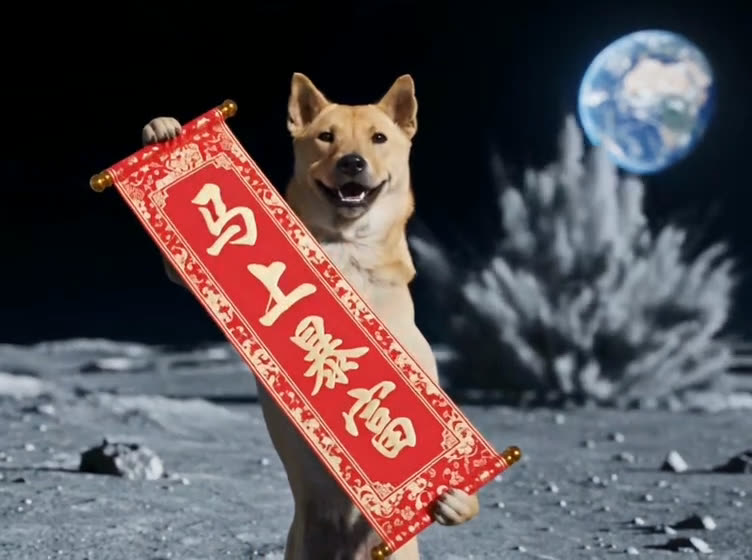
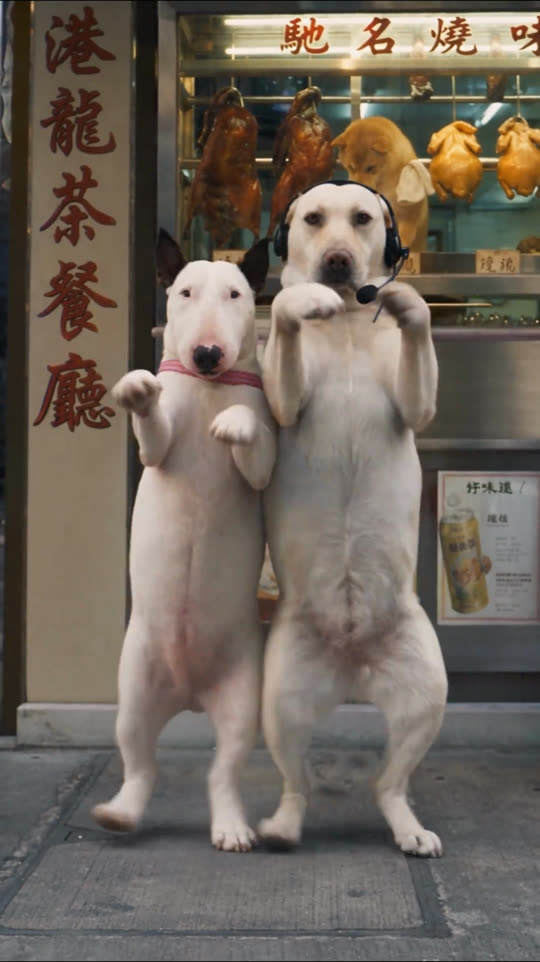
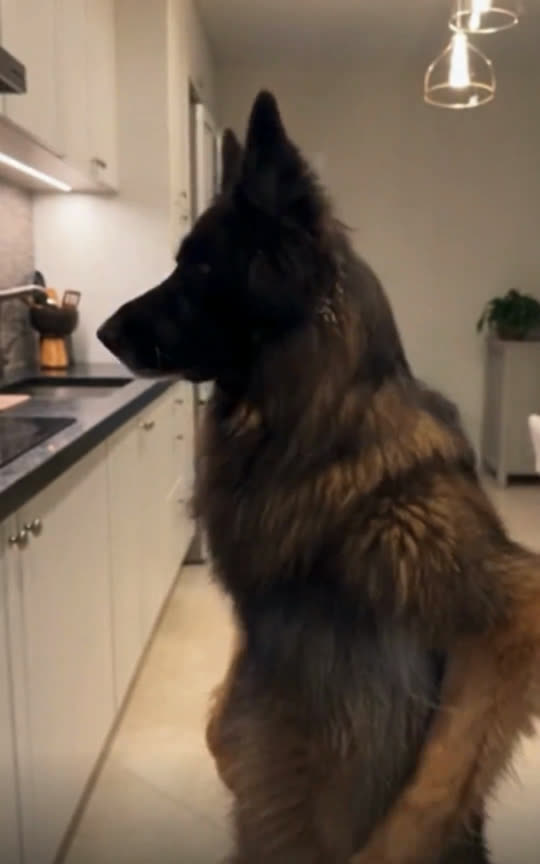
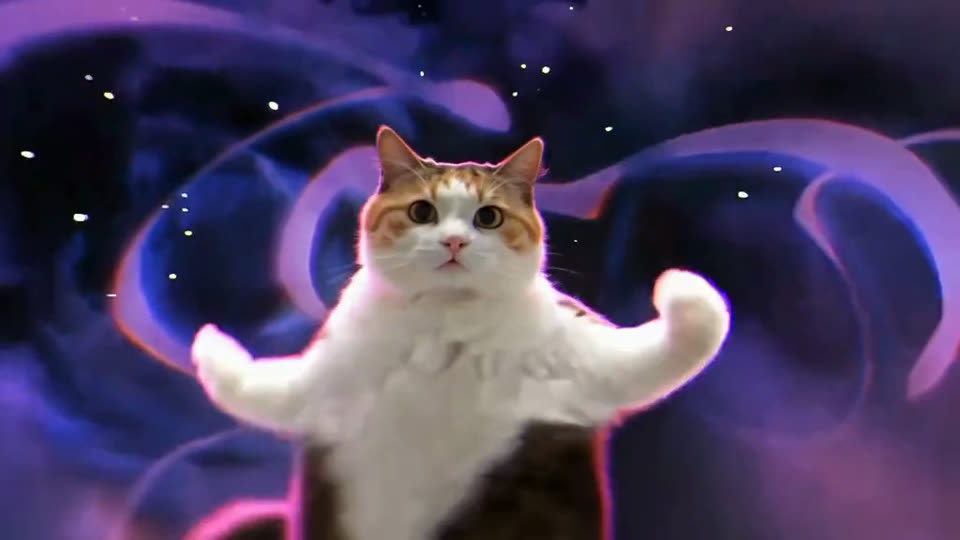
TikTok trend template
Five-Cat Dance: put your pets in the viral video
Choose which cats to replace and add a photo of your pet for each. You get the same 30-second dance back: same moves, same camera, same song, with your pets dancing in it.
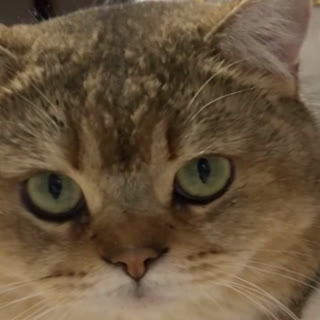
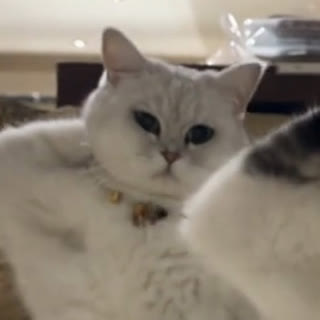
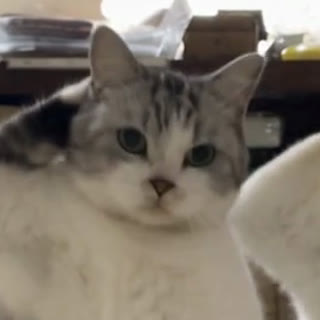
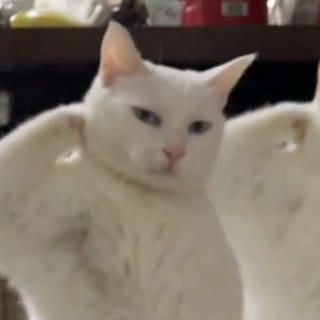
1 · Who dances? Tap one to replace it
Golden cat
Silver cat
Tabby cat
White cat
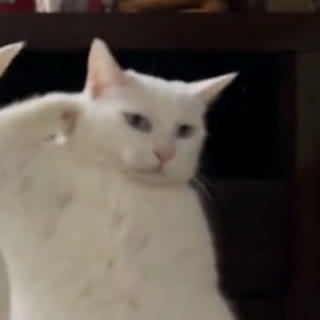
Second white cat
2 · Scene
Same place as the original clip. Pick a scene, or add a photo of any place, and the dance moves there.
30-second video · 1,280 credits · paid plans
How it works
- 01
Pick a trend
Start from a clip that already took off on TikTok.
- 02
Add your pets
One photo per pet. Keep the original scene, pick a new one, or upload your own place.
- 03
Post it
You get the full video with the original sound, ready for TikTok and Reels.
Spot 1
Spot 2
Spot 3
Spot 4
Spot 5
Keep the place, or move the dance
Keep the original scene, pick one of six ready-made places, or upload a photo of your own room, garden or anywhere with some floor in view. The camera moves stay the same.
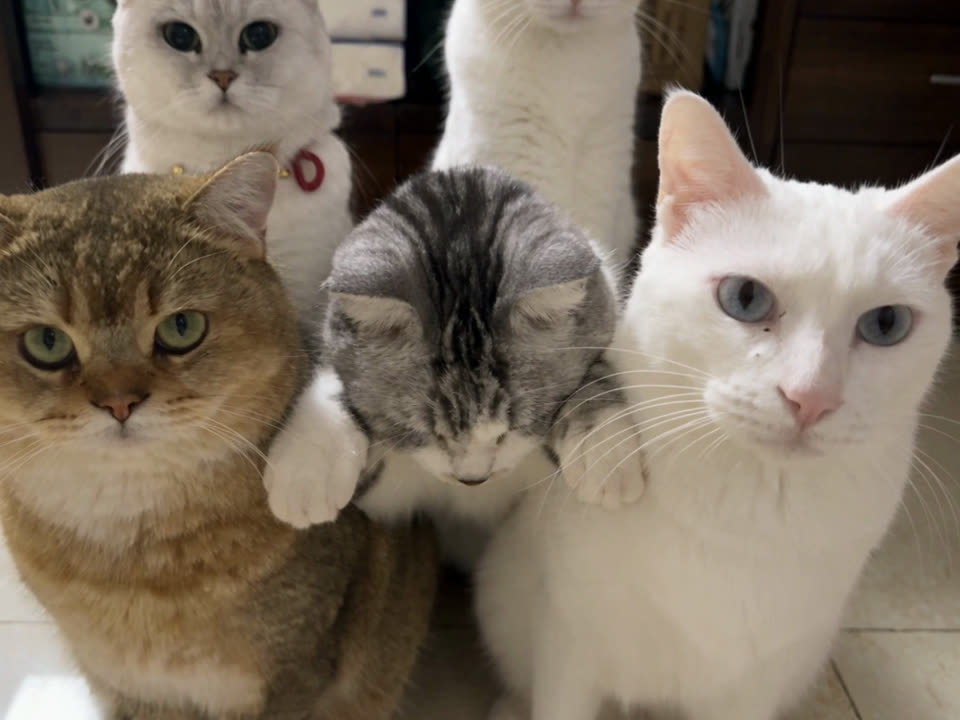
Original
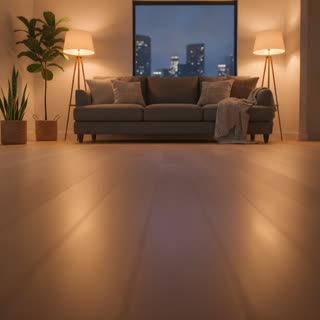
Living room

Beach sunset
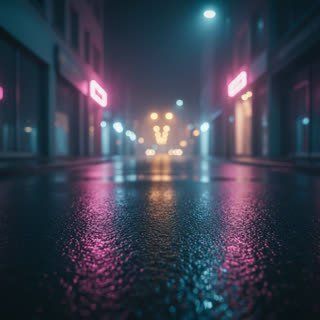
Neon street
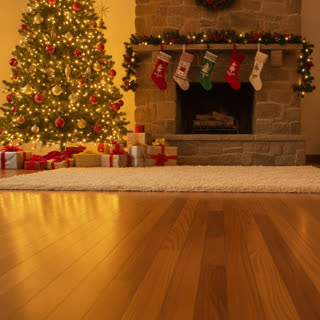
Christmas
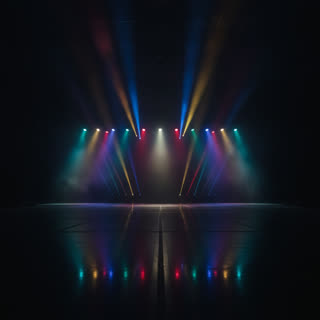
Stage

Garden
Questions
- Do I need 5 pets?
- No. Fill one to 5 spots. Any spot you leave empty keeps the original dancer, so a single pet can join the others.
- Can one pet play all 5 dancers?
- Yes. Use the same photo in every spot and your pet dances with copies of itself.
- Does it work with dogs, cats and other pets?
- Yes. Dogs, cats, rabbits and more can take the part. They do the same moves as the original, standing up when the original does.
- Can I change the scene?
- Yes. Keep the original place, pick one of six ready-made scenes, or upload a photo of any place you like. The camera moves stay the same.
- Is the original song in my video?
- Yes. The original sound of the trend stays in the video you download.
- How long does it take?
- Usually 5 to 10 minutes for the 30-second video. You can leave the page; the video is saved in My videos.
- How much does it cost?
- 1,280 credits for the 30-second video, on paid plans. If a video can't be made, the credits come back to you.
- What happens to my photos?
- They are used only to make your video and are deleted once it is finished. Your video stays private until you share it.