AI dog dance
AI Dog Dance: make your dog do any dance from one photo
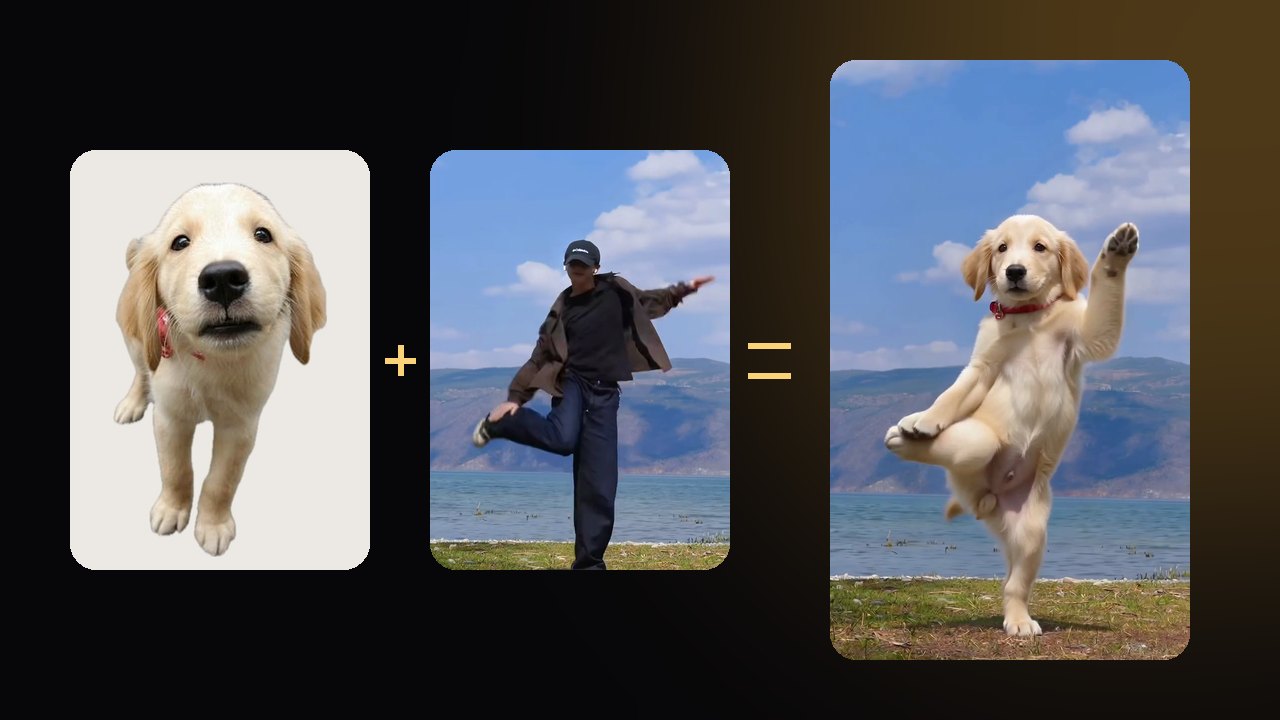
Pick a dance video you love and a photo of your dog. Same moves, same background, same song. Your dog is the one dancing.
We'll check the length after upload · 10 credits per second
Make your dog dance in 3 steps
- 01
Add your dog's photo
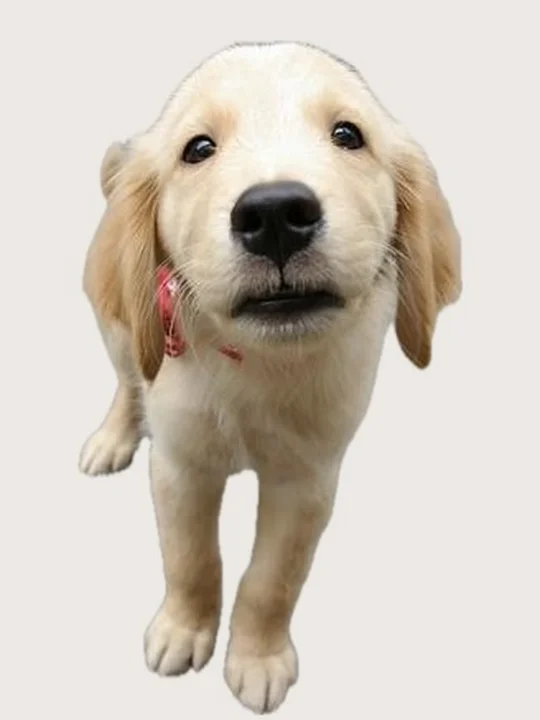
One clear photo. Your dog's face, coat and markings carry into every frame.
 02
02Add a dance video
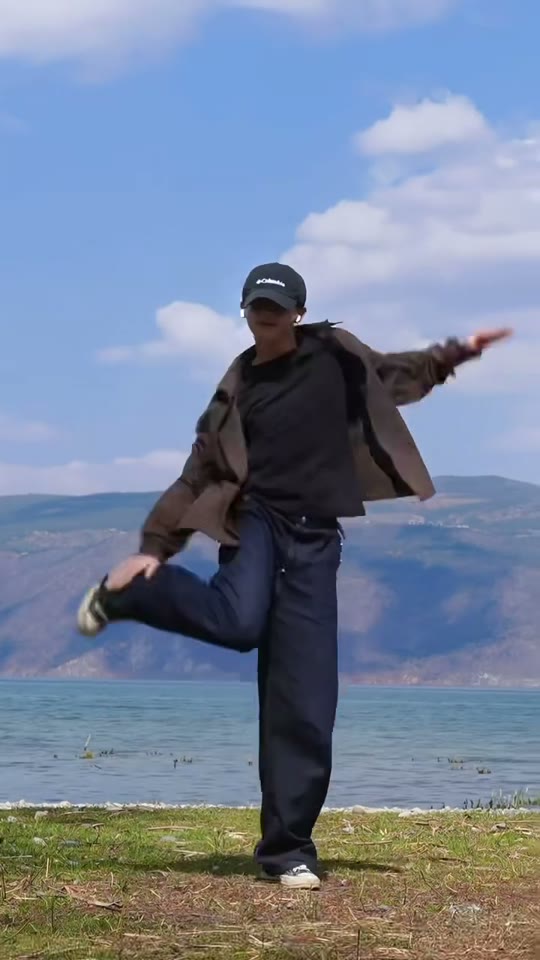
Any clip from 4 to 15 seconds with one dancer in full view. Longer clips use their first 15 seconds.
 03
03Get your dog's dance
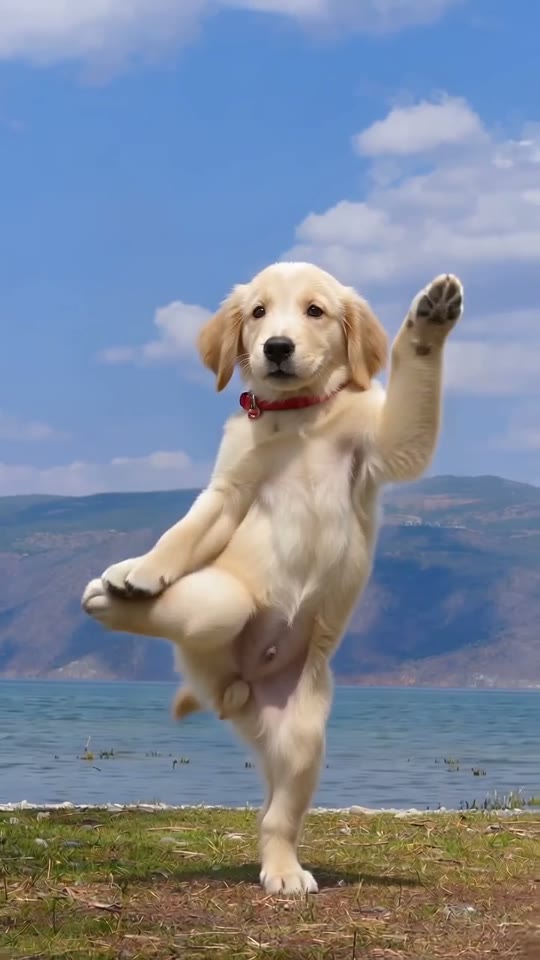
Usually ready in 3–6 minutes, vertical or wide like your clip, with the original soundtrack. Saved in My videos.
Use any dance video you like
A trend from your feed, a routine you filmed, a clip a friend sent. Use one you filmed or have permission to use. These make the biggest difference:
- One dancer, head to toe in the frame
- Camera on a tripod or held still
- A single continuous take
- Clear light, dancer not hidden by others
- Groups where dancers cross in front of each other
- Fast cuts between angles
- Close-ups that cut off the legs
- Very dark or blurry clips
Tested October 2026
We tested 4 AI video models. Only Seedance kept every move in sync
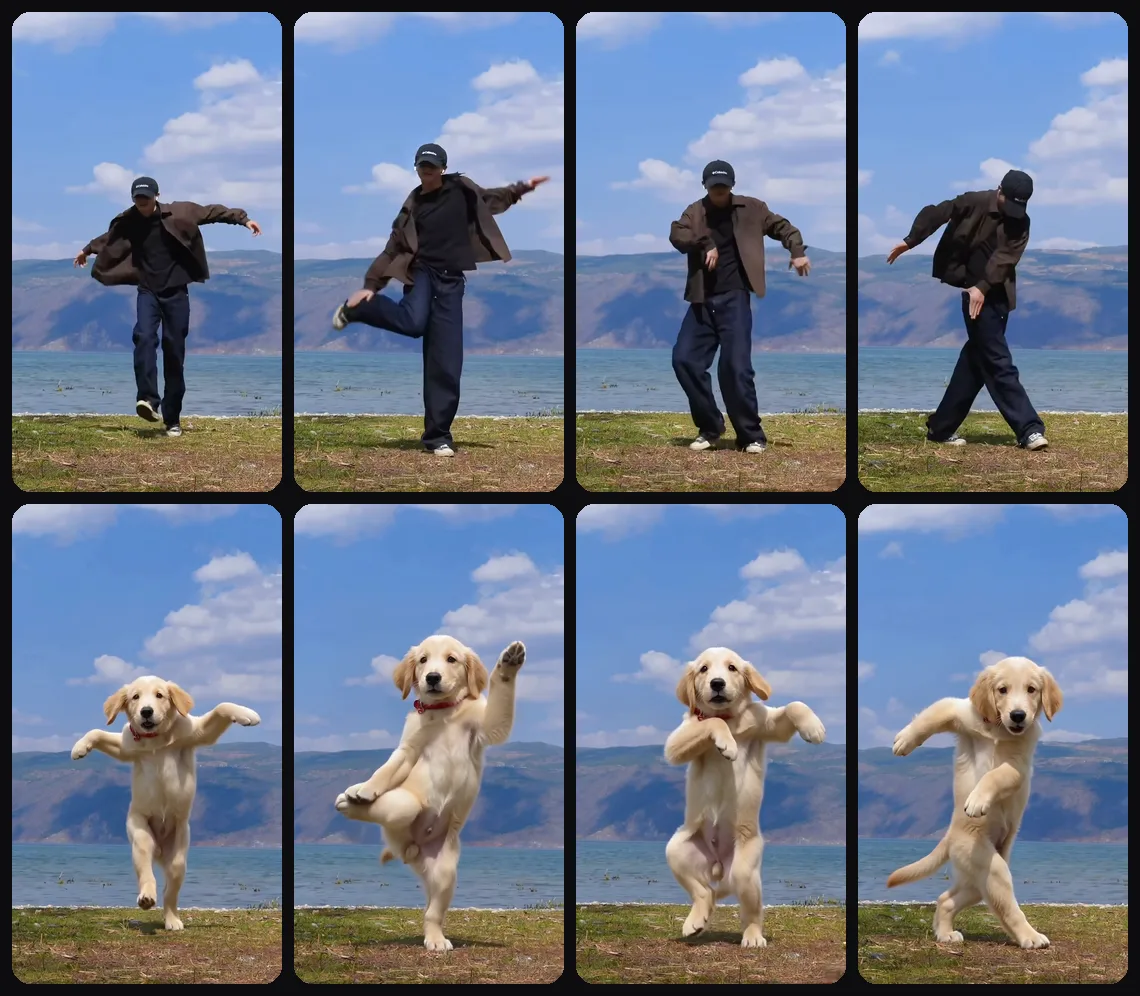
Before building this page we ran a golden retriever puppy photo through four AI video models with real dance clips. Here is what each one did.
Seedance 2.0
ByteDanceWhat AIPet usesSwapped the dancer for the puppy and kept the lake, the sky, the camera and every move, right on the beat of the music.
Kling 4.0
KuaishouSwapped the dancer for the puppy, but the moves ran about a tenth of a second behind the music and smeared on fast steps.
Wan 2.2 Animate Replace
AlibabaMade for swapping one person for another, it put a woman in the dancer's place. There was no dog in any frame.
Kling 2.6 Motion Control
KuaishouIt traces the dancer's skeleton and moves the photo along it. When two dancers crossed paths it lost track and stopped after about 3 seconds.
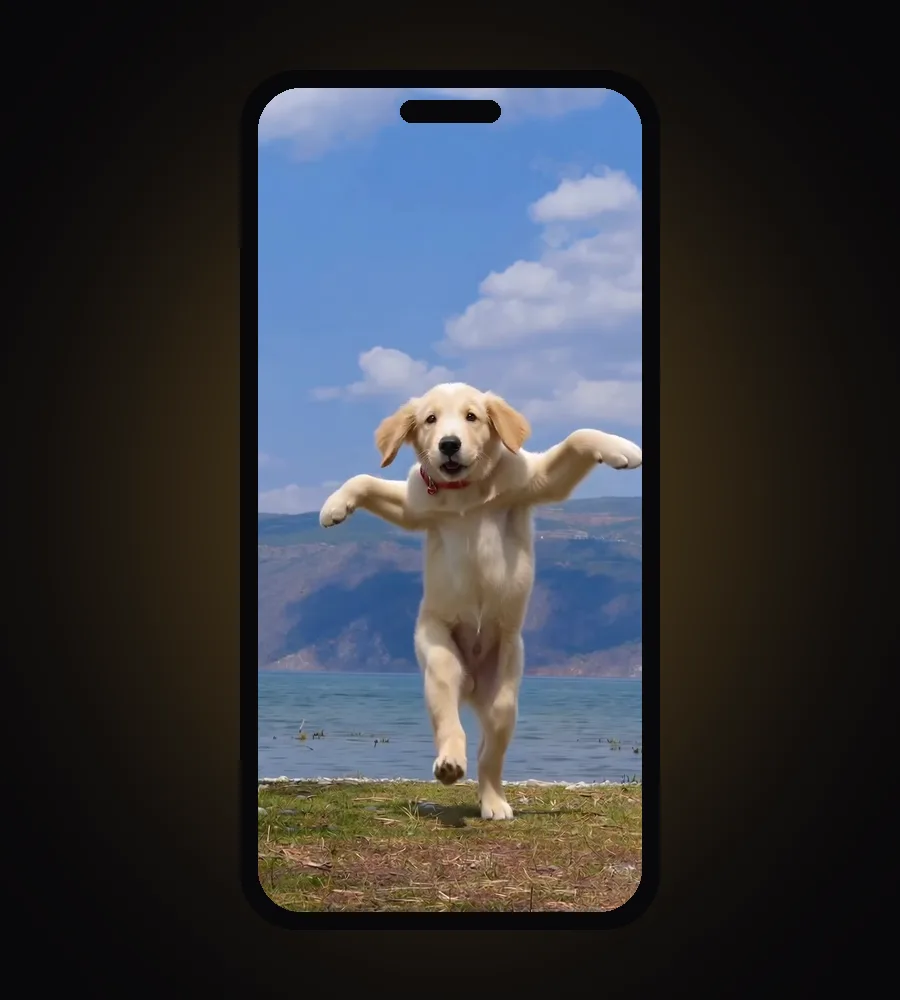
With Seedance, the puppy's fur, ears, eye color and red collar stayed the same from the first frame to the last. Standing on its back legs it still has a dog's body, so expect a cute, slightly wobbly dancer rather than a copy of a human.
Which dog photos work best
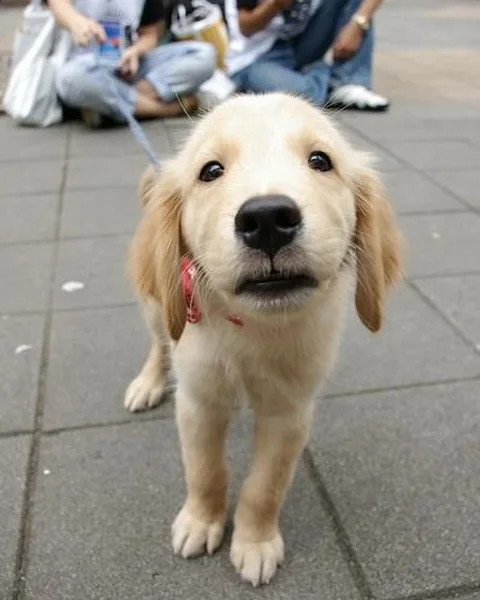
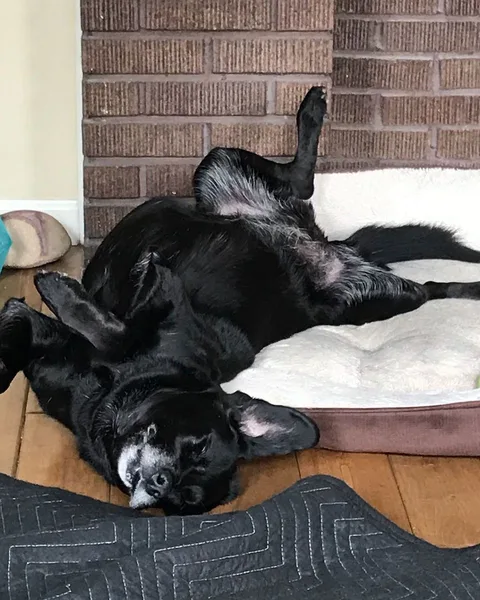
Skip outfits and costumes for this one: clothes in the photo tend to stay on the dog while it dances.
How those viral AI dog dancing videos are made
Most viral AI dog dancing clips start the same way: a dance video someone liked and a photo of a pet. Some tools trace the dancer's skeleton and move the photo along it. That is fast, but it loses the dancer when people overlap or leave the frame. Others, like AIPet, give the model the whole clip as a reference and ask it to redraw only the dancer, so the background, lighting and camera stay put.
Posting your dog's dance on TikTok and Reels
Your video keeps the soundtrack of the clip you uploaded and the shape of your clip, so a vertical dance stays vertical for TikTok, Reels and Shorts.
- TikTok asks creators to label AI-generated content that shows realistic scenes.
- YouTube asks you to disclose realistic altered or synthetic content when you upload.
If your clip uses a popular song, the safest way to post is to add that song from the app's own sound library instead of relying on the copy in the file.
What it costs
- 10 credits per second of dance, counted from your clip (rounded up). A 10-second dance is 100 credits; a 15-second dance is 150.
- Pro comes with 1,000 credits a month (ten 10-second dances), Pro Max with 2,500. Credit packs start at 250 credits.
- New accounts can try it free: the first 5 seconds of your dance, watermarked.
- If a video fails, the credits go straight back.
10
credits per second of dance
AI dog dance FAQ
Is the AI dog dance generator free?+
You can try it free: a new account renders the first 5 seconds of your dance with a watermark. Full dances up to 15 seconds cost 10 credits per second.
Do I need an app?+
No. It runs in the browser on your phone or computer. Pick the photo and the clip from your camera roll.
Can I use any dance video?+
Use a video you filmed yourself or one you have permission to use. The clearest results come from one dancer, full body, steady camera, one continuous take.
How long does it take?+
Usually 3–6 minutes, whether your clip is 5 or 15 seconds. You can close the page; the video lands in My videos.
Will it keep the song from my video?+
Yes. The model draws the picture; we put your clip's original soundtrack back on afterwards, in sync with the moves.
Can I get my dog's dance as a GIF?+
Yes. Every finished dance has a Download GIF button next to the video. The AI dog dancing GIF page also has free dancing dog GIFs to send. AI dog dancing GIF
Does it work with cats?+
Yes. The AI cat dance page uses the same tool, with our cat test and cat photo tips. AI cat dance
Where do my photo and video go?+
Into private storage on your account. The dance video and its cut-up copies are deleted as soon as your dog's video is ready. Your result stays private unless you share it.
Is it real footage?+
No. Every frame is generated by AI from your photo and the dance video, and it should be labeled as AI-generated when you post it.
Your dog has the moves. You just haven't seen them yet.
Make my dog danceWant a story instead? Browse video templates or try AI pet portraits.